Cart
Cart
 Track
Track
 Login
Login


New Installation setting - HD enabled Box
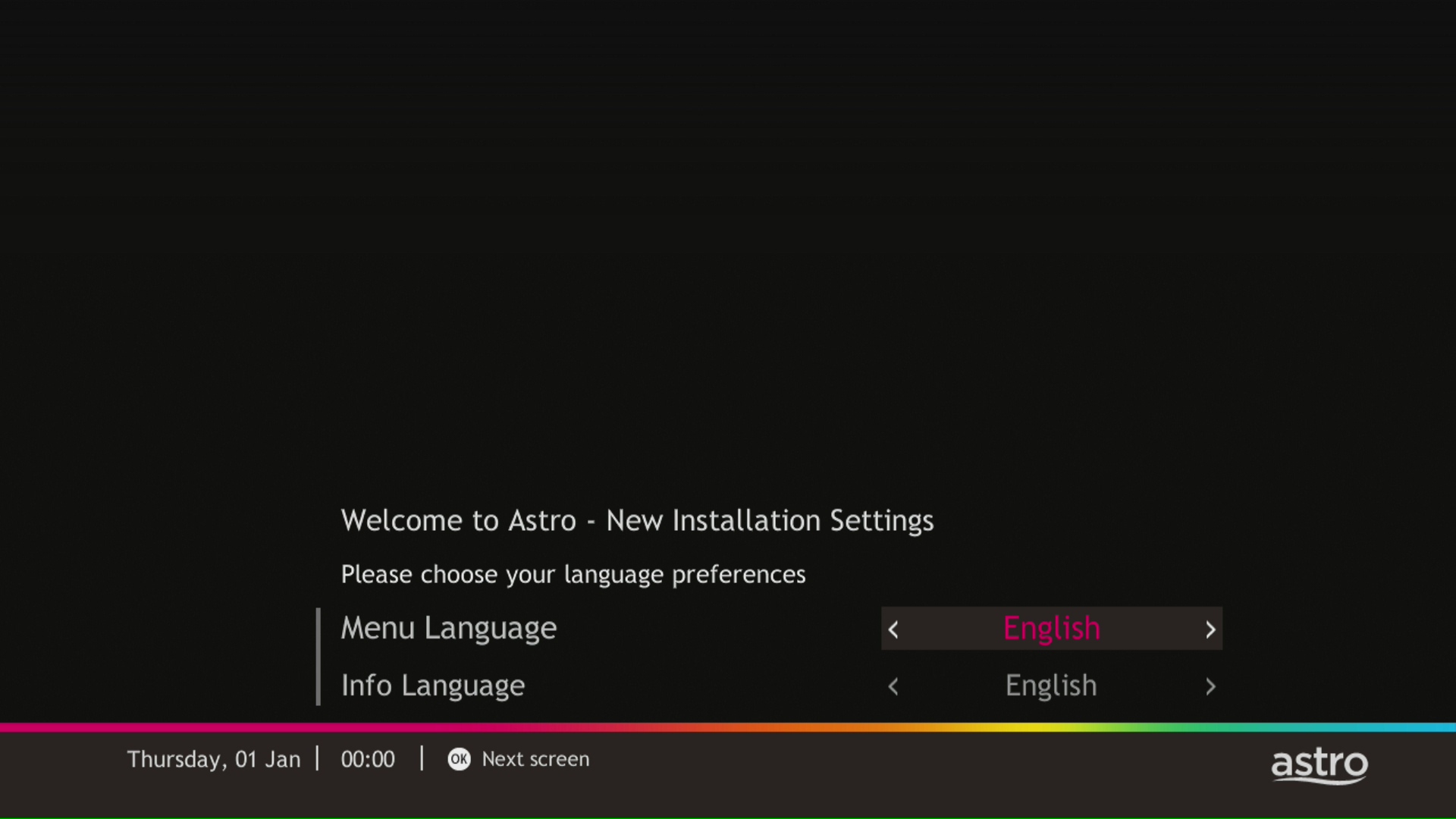
STEP 1
Choose your language preferences for both Menu Language and Info Language. Then, press "OK".
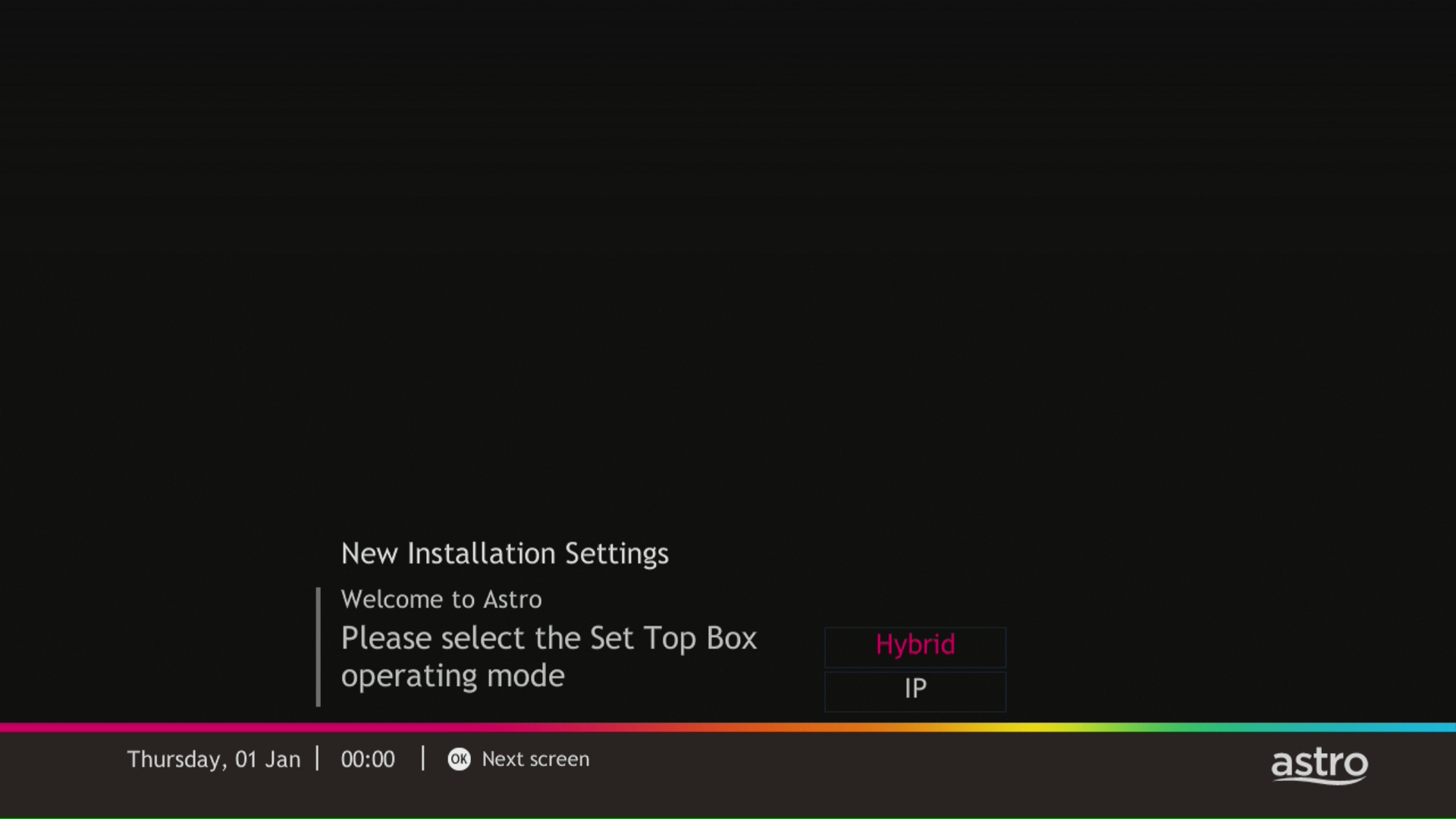
STEP 2
Select you box operating mode and press "OK".
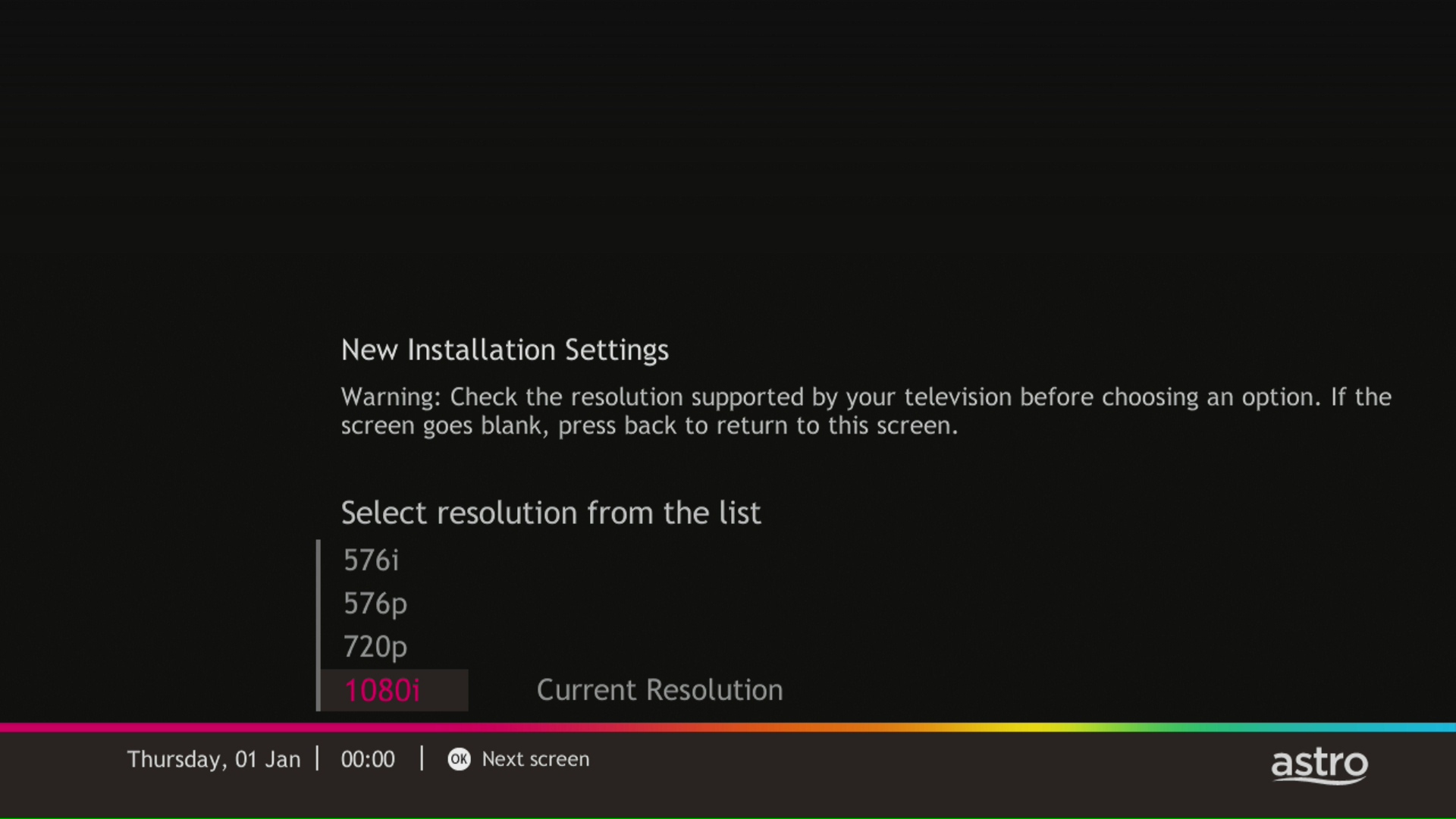
STEP 3
Select the resolution supports by your TV and press "OK".
STEP 4
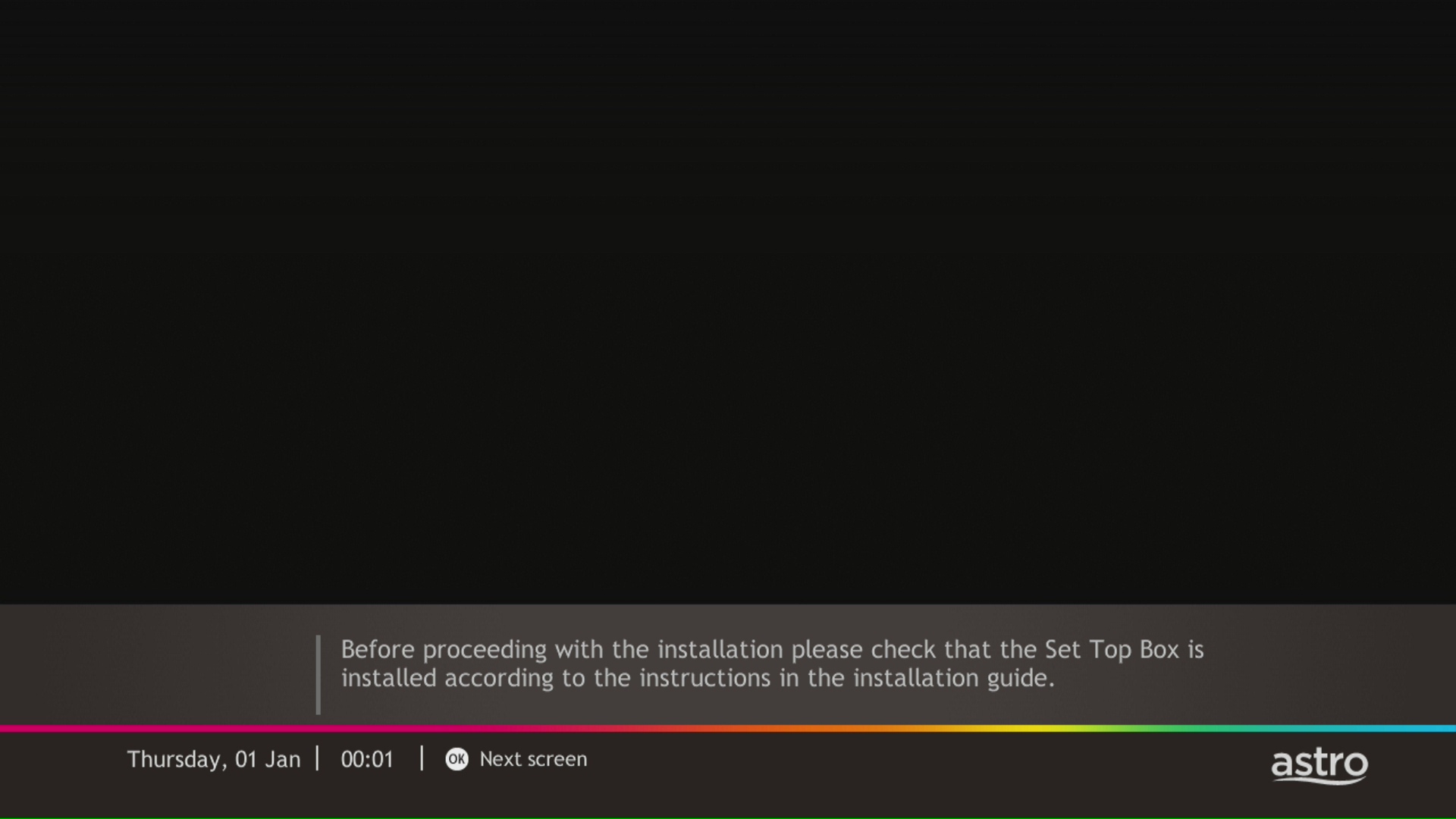
Press "OK" to proceed to the next screen.
STEP 5
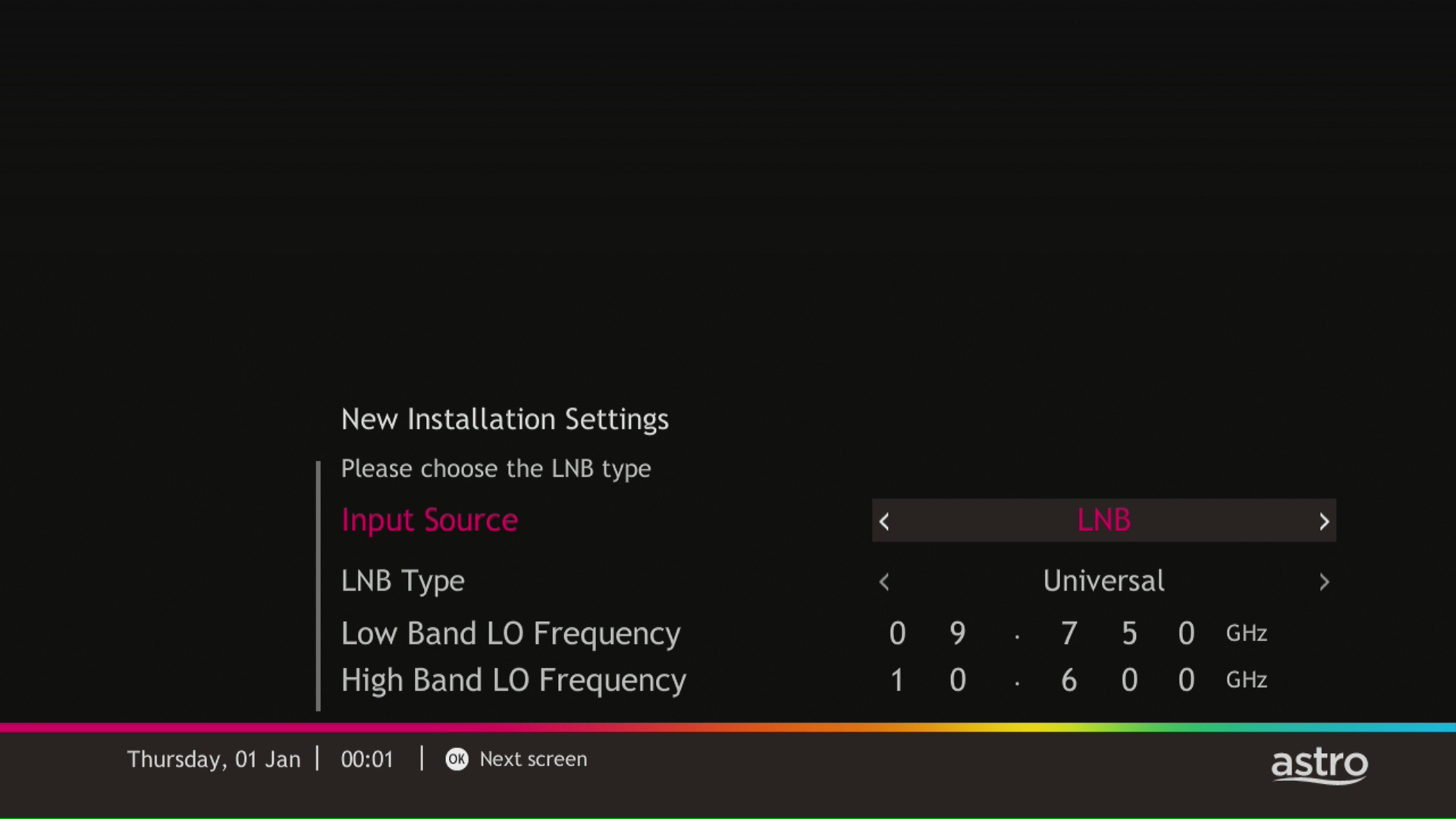
Please select the LNB type and press "OK".
STEP 6
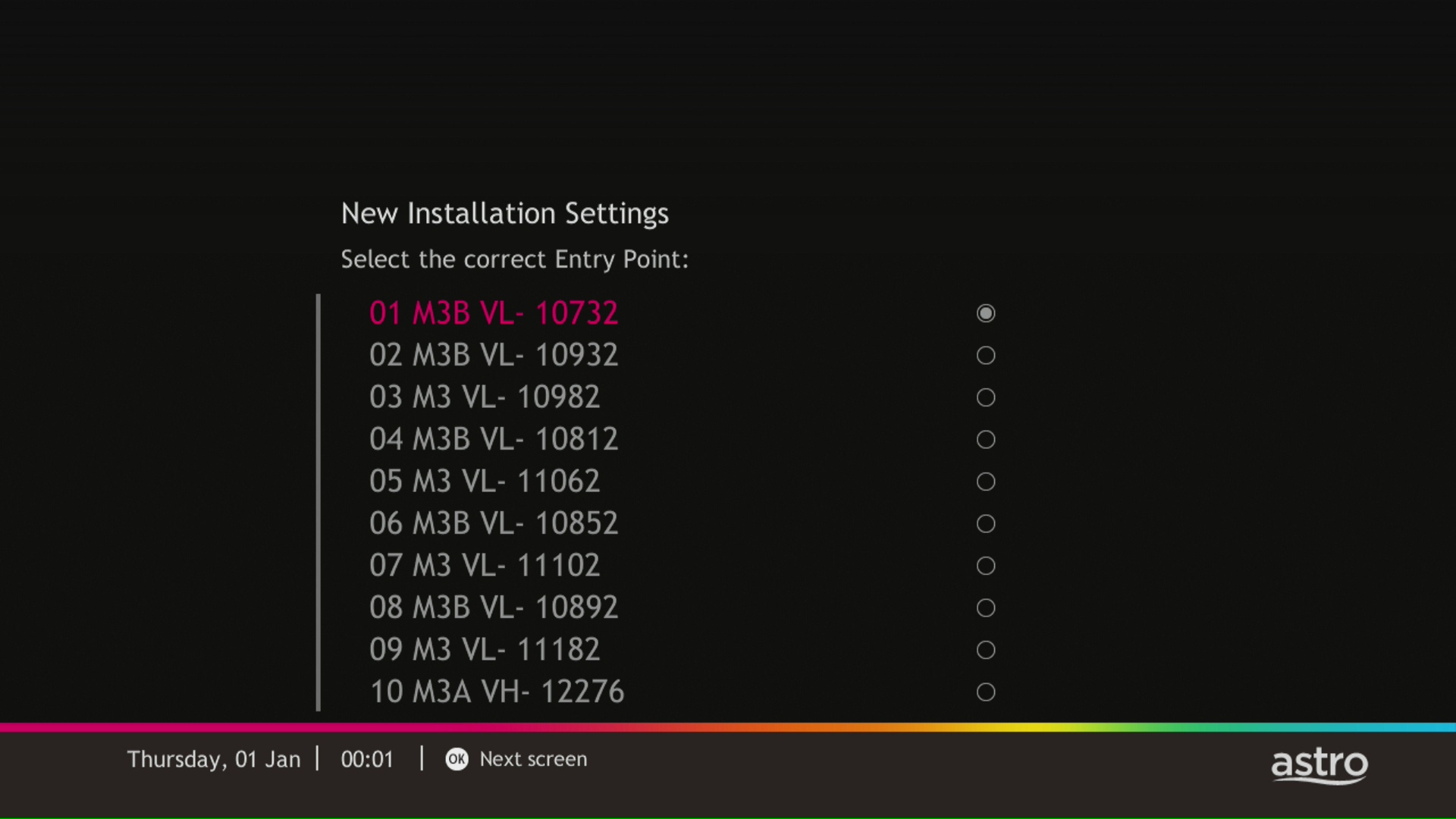
Select this as the Entry Point and press "OK" to confirm your selection.
STEP 7
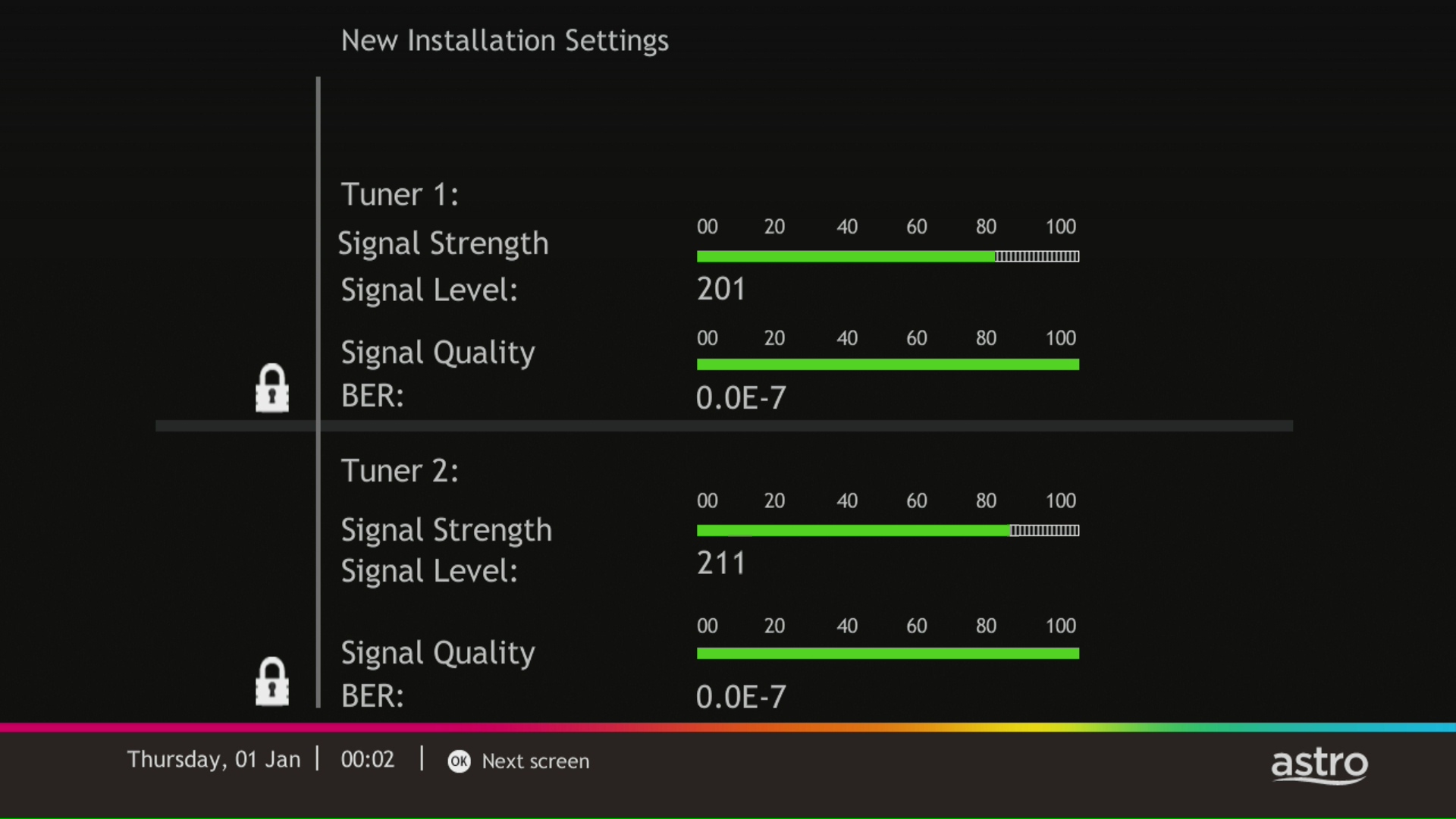
Signal reading results for Tuner 1 and Tuner 2 screen will be displayed. Then, press "OK" to proceed to next screen.
STEP 8
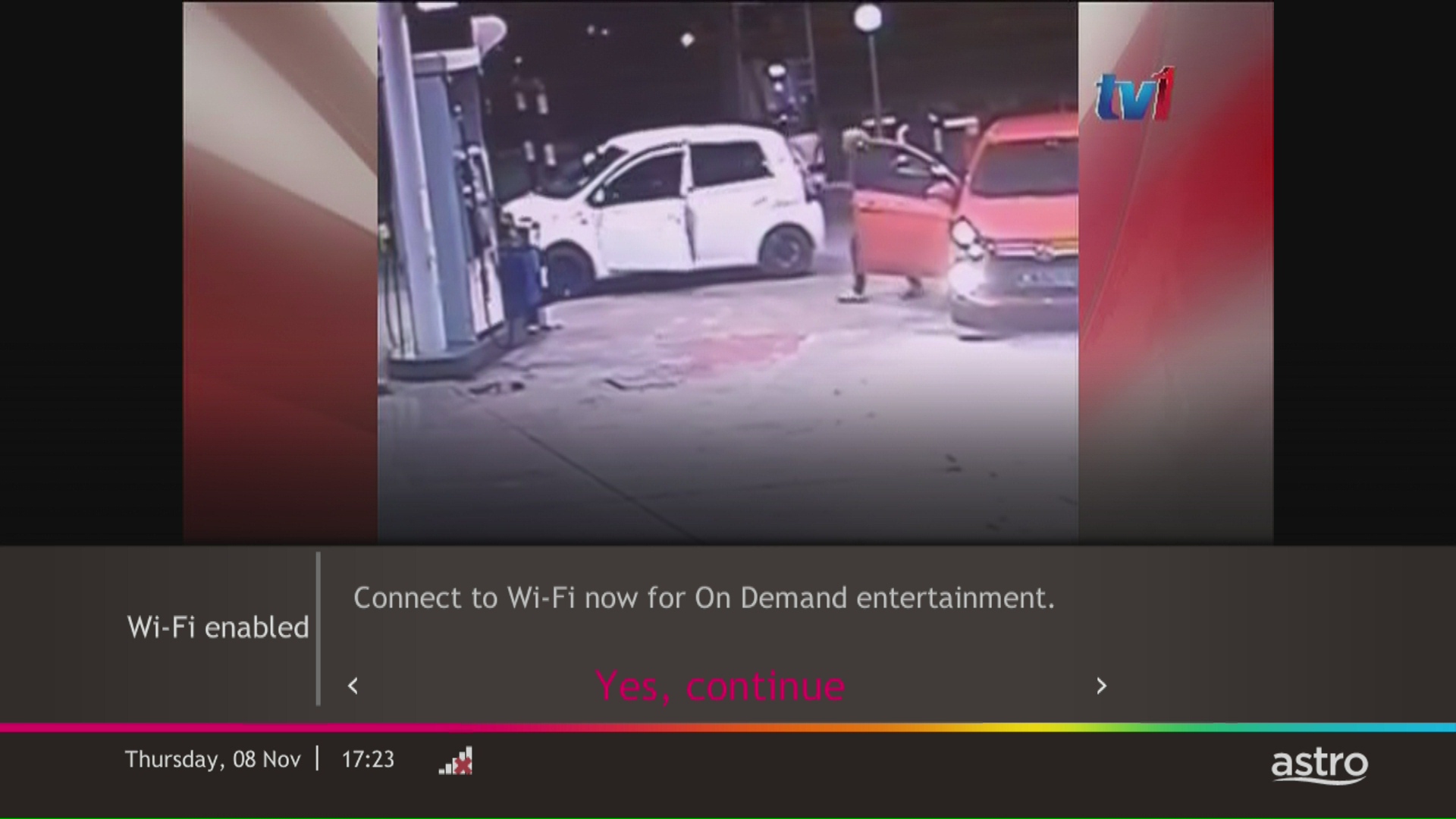
Select Yes, continue and press "OK" to connect to Wi-Fi network.
STEP 9
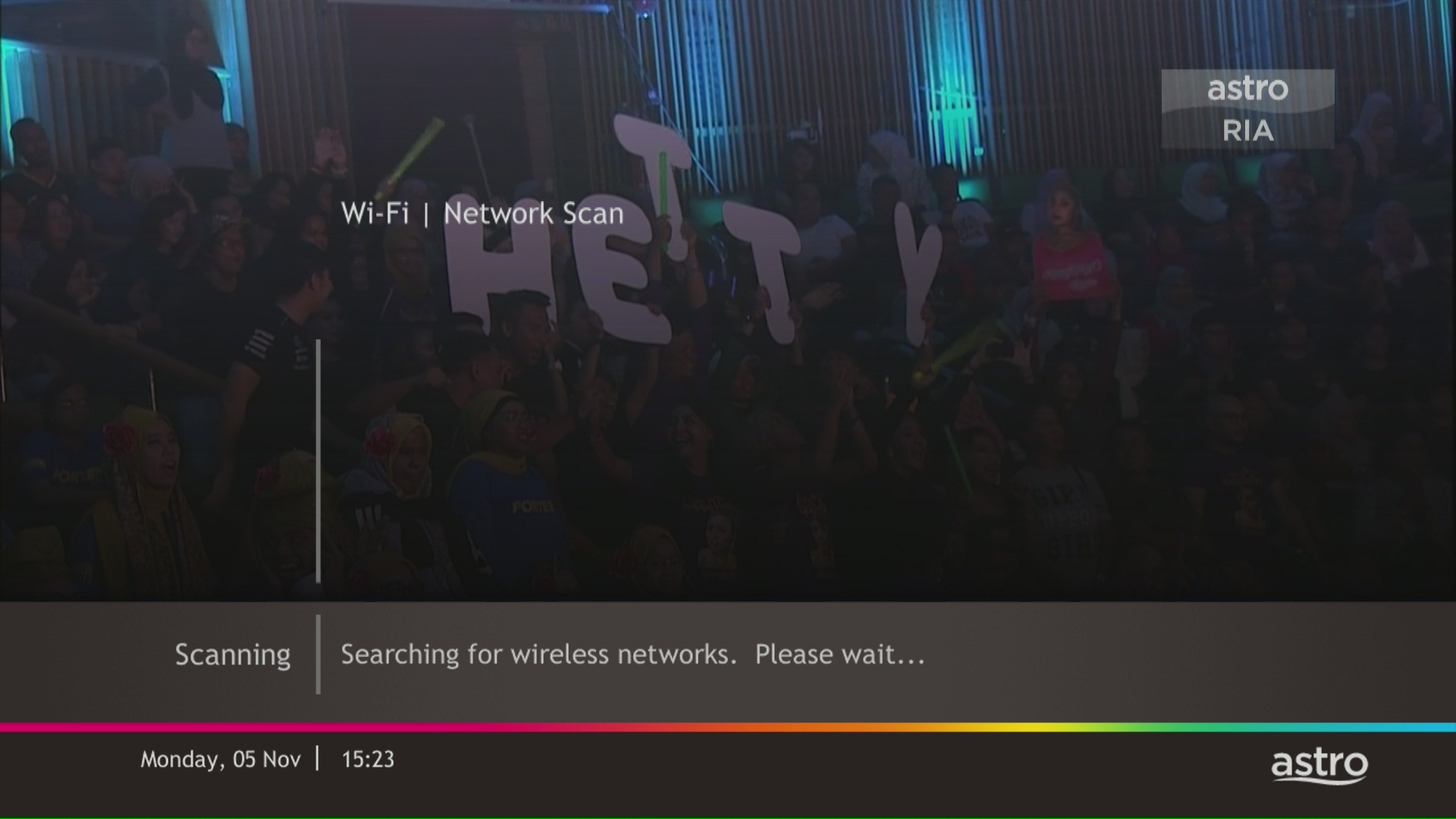
Please wait while the box scanning for the available Wi-Fi network.
STEP 10
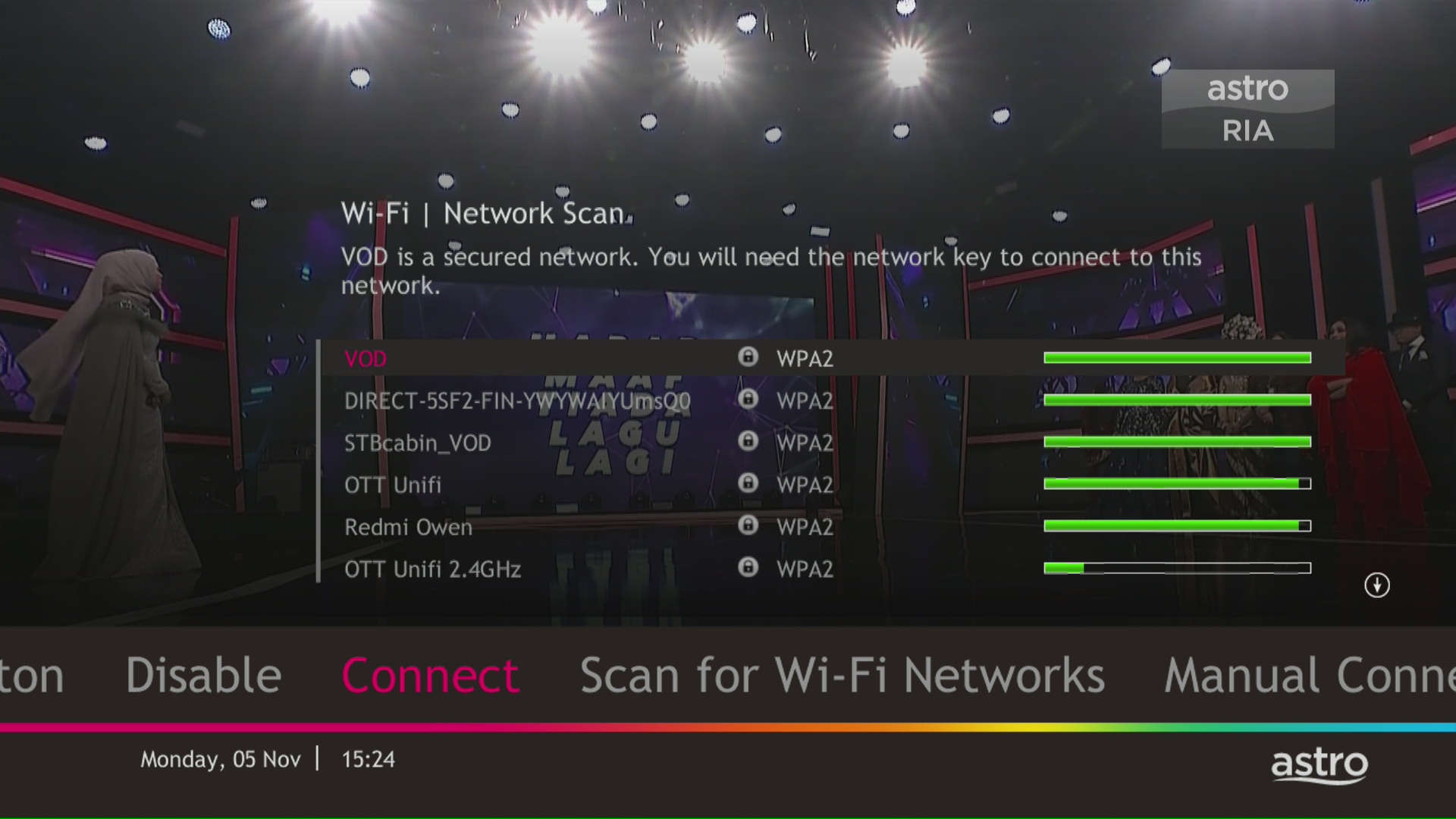
Select your Wi-Fi network and navigate to "Connect".
STEP 11
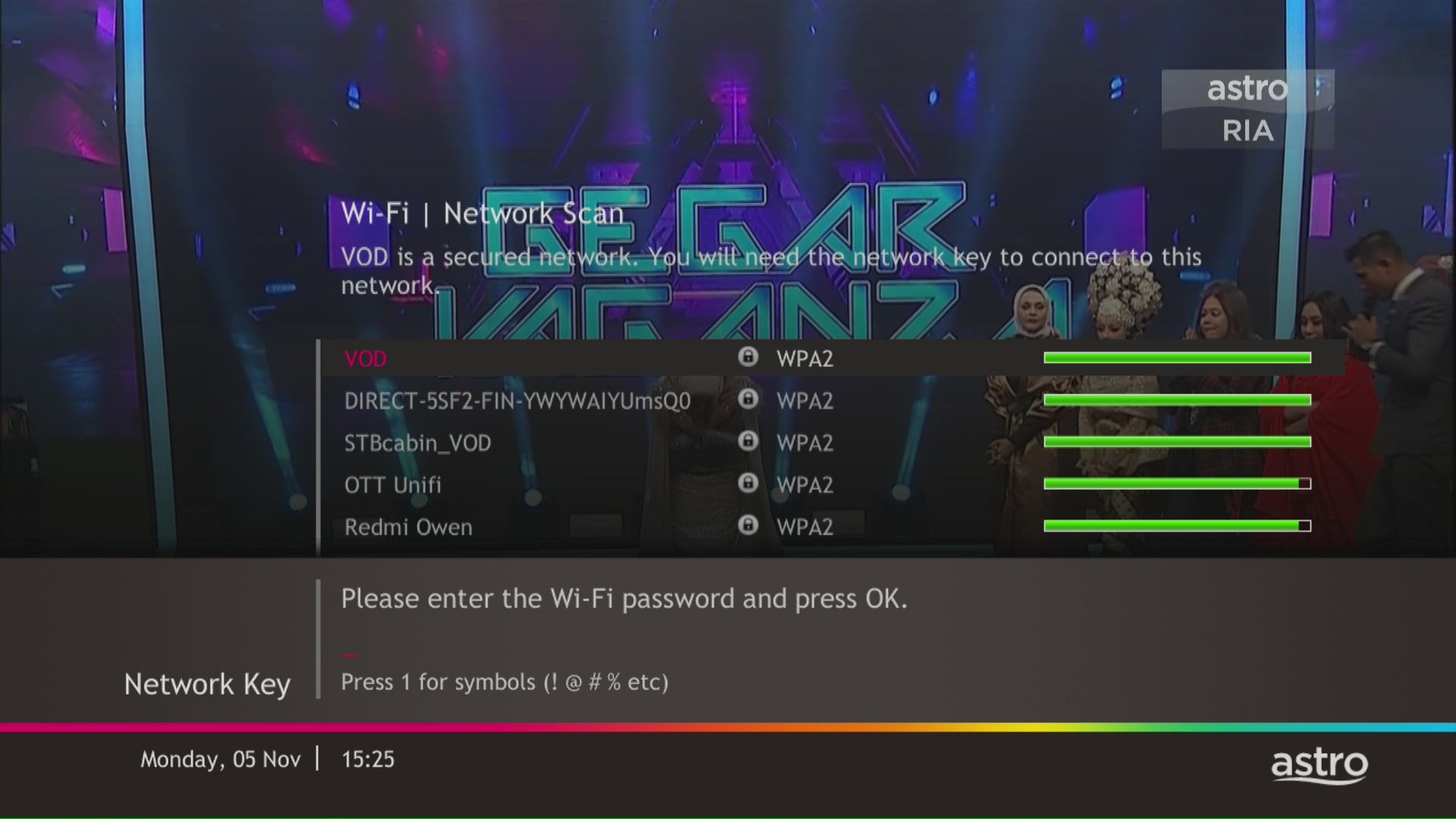
Please enter the password to connect to your network and press "OK".
STEP 12
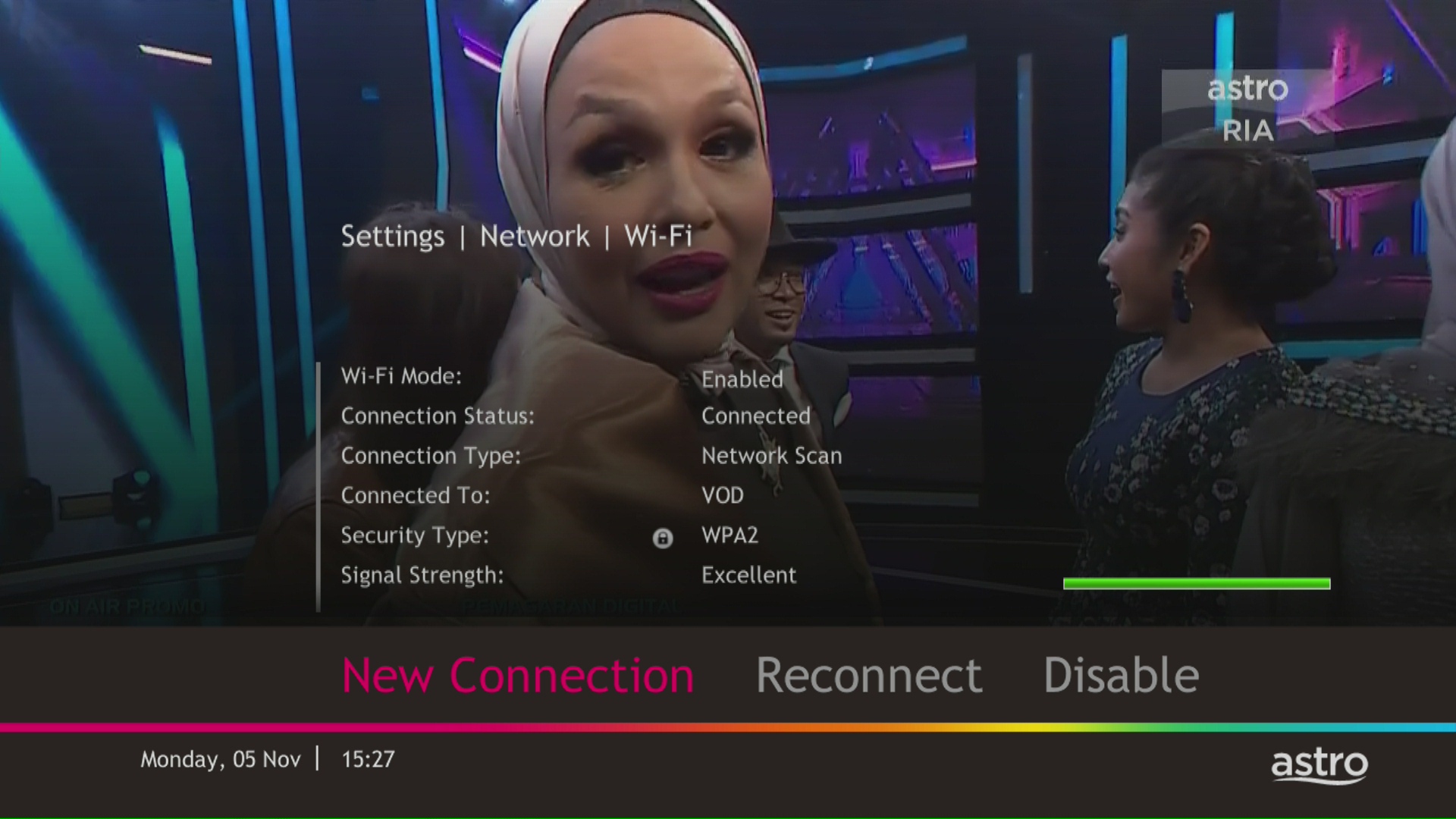
You are successfully connected when this screen appears.