Cart
Cart
 Track
Track
 Login
Login


Check LNB type - HD enabled Box
STEP 1
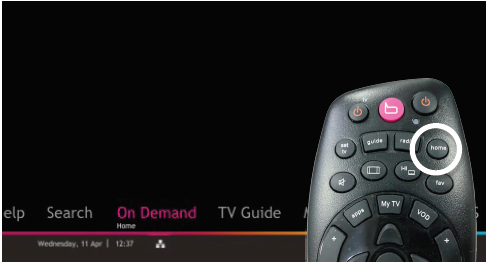
Press "HOME" button on your remote control.
STEP 2
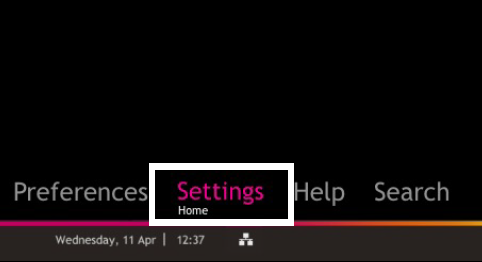
Navigate to Settings and press "OK".
STEP 3
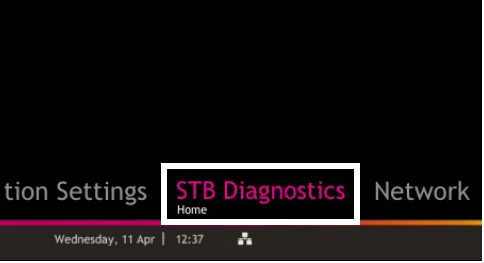
Navigate to STB Diagnostics and press "OK".
STEP 4
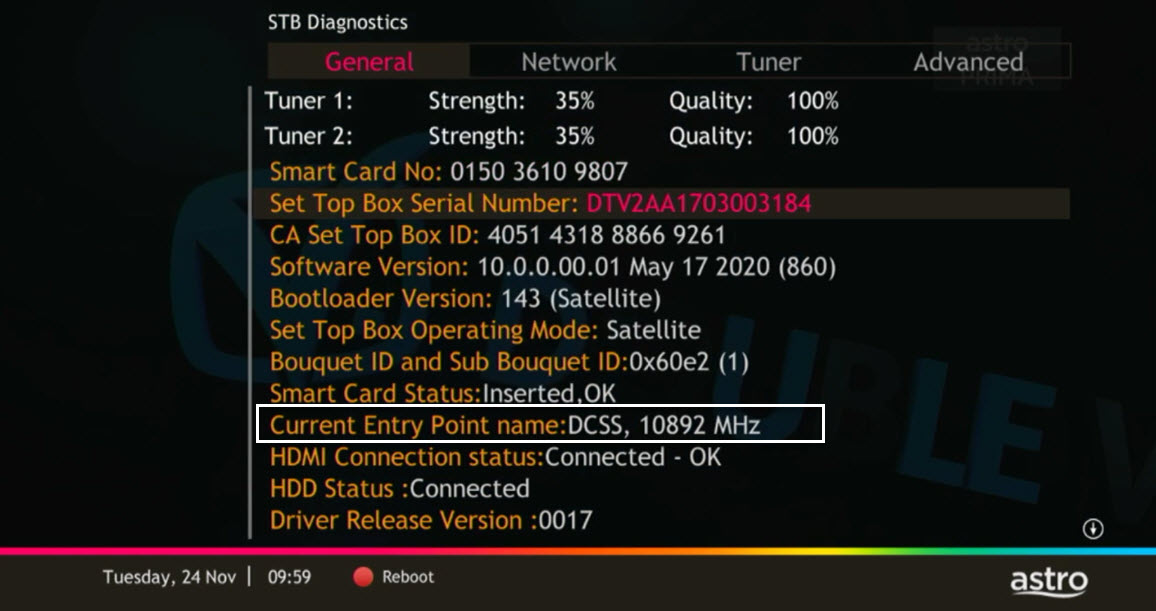
From General Tab, take a look at the Current Entry Point Name for the LNB type of your input source.